Electronics practice
Build a circuit.
Understand the signal.
Connect components and see what happens on the oscilloscope. Work through guided circuit puzzles, then put your ideas to work in Sandbox.
Desktop electronics. No programming required.
The workbench
Make a connection.
See the result.
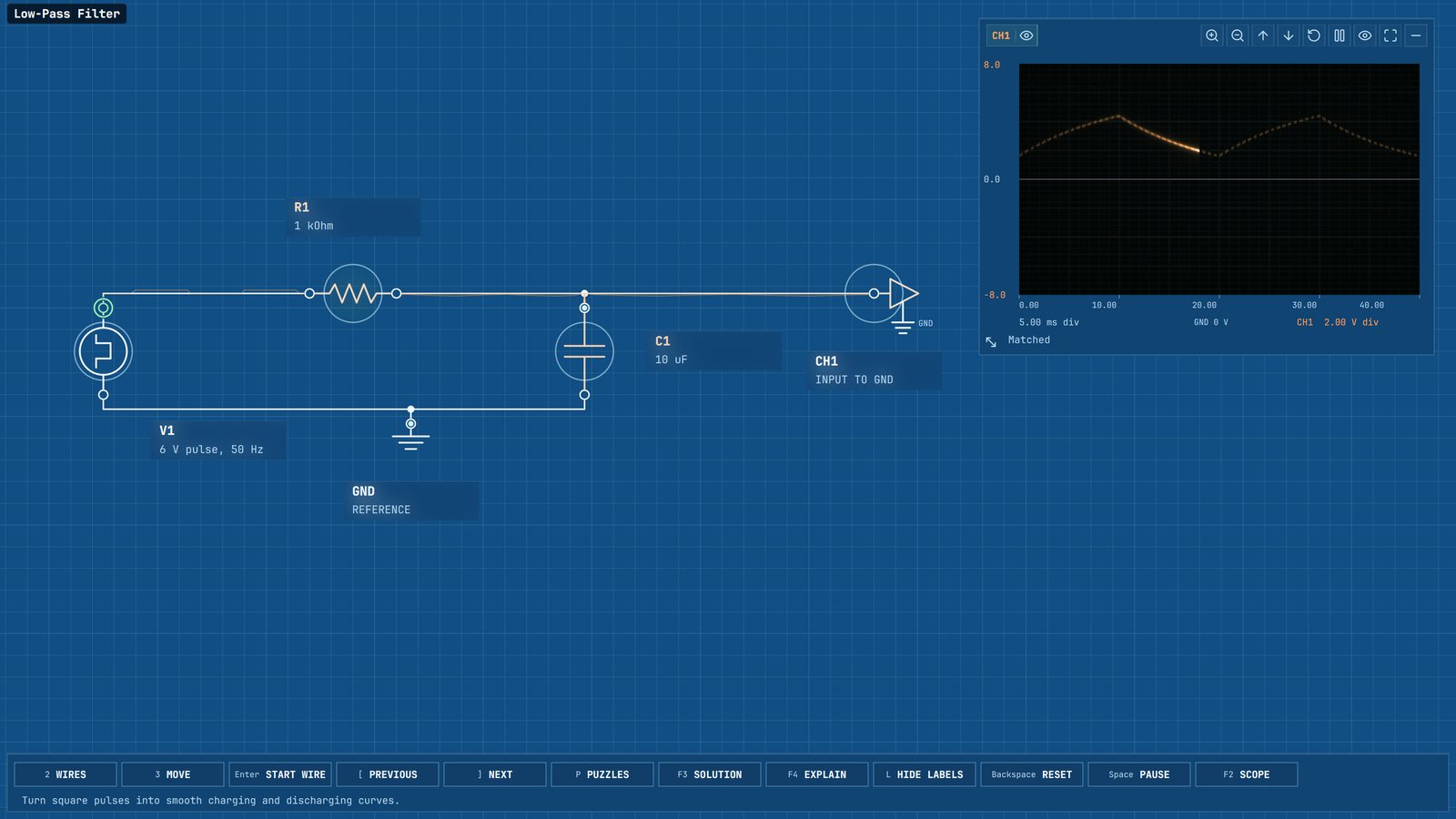
Each puzzle gives you the components and a target waveform. You decide how to connect them. Any circuit that produces the required signals is accepted.
Connect the parts
Draw wires between terminals. Try a different connection with Undo and Redo, and return to your saved circuit later.
Read the oscilloscope
Compare your output with the target. Inspect the waveform to understand how each connection changes the circuit.
Match the signals
A puzzle is complete when every output matches. Start with a simple return path and work toward filters, logic, and oscillators.
Learn
The explanation
is close at hand.
Open the Learn library for component symbols, connections, and behavior. Illustrated articles bring diagrams, formulas, and practical examples together.
Puzzle guides explain the circuit you are working on. Follow a lesson at your own pace, then try the next idea on the workbench.
View the Learn library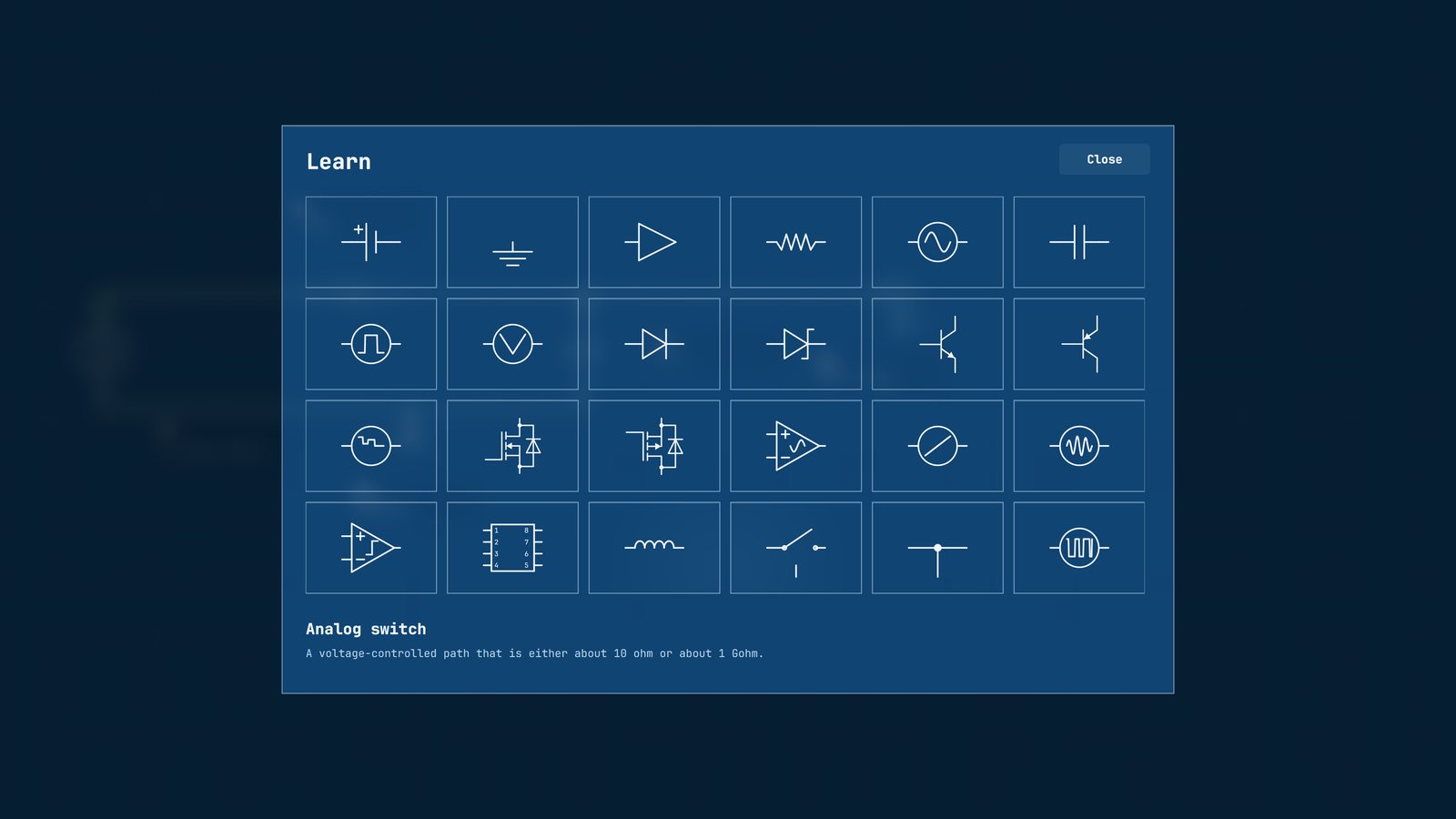
Sandbox
Keep experimenting.
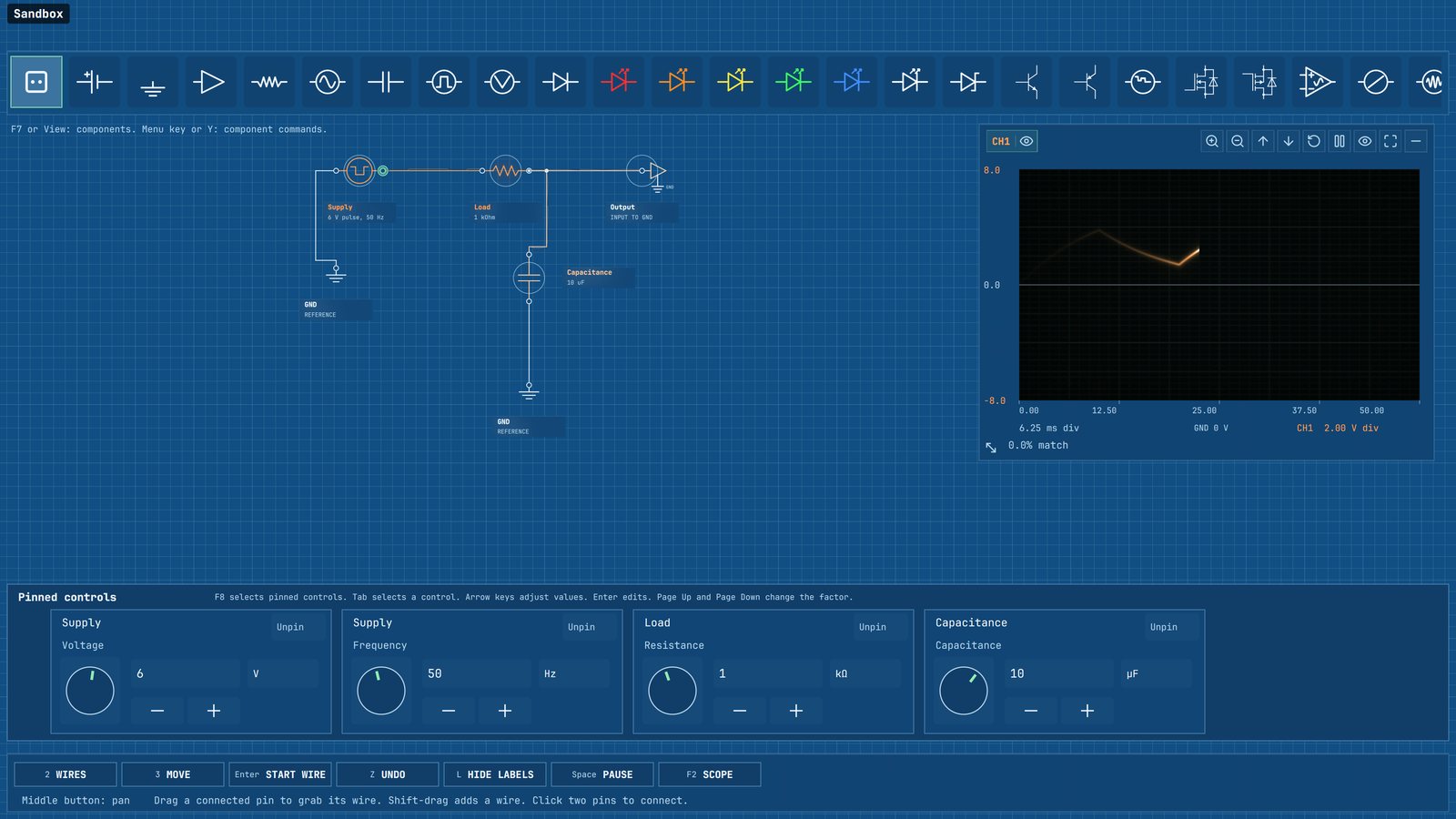
Use the components you discover to make your own circuits. Change a value, watch the trace respond, and save the diagram for another day.
Your own diagrams
Place components, draw connections, and save your work.
A closer look
Zoom into the circuit and inspect its signals as you experiment.
A choice of themes
Work in Blueprints or Dark, with keyboard and mouse controls.
Chip design

Circuits: VLSI
Design circuits in silicon. Draw metal, polysilicon, and silicon, then inspect how the layers connect and how the signals change.
Work through 100 guided puzzles, from a simple metal path to gates, memory, and clocked circuits. Build your own designs in an open Sandbox.
Explore Circuits: VLSI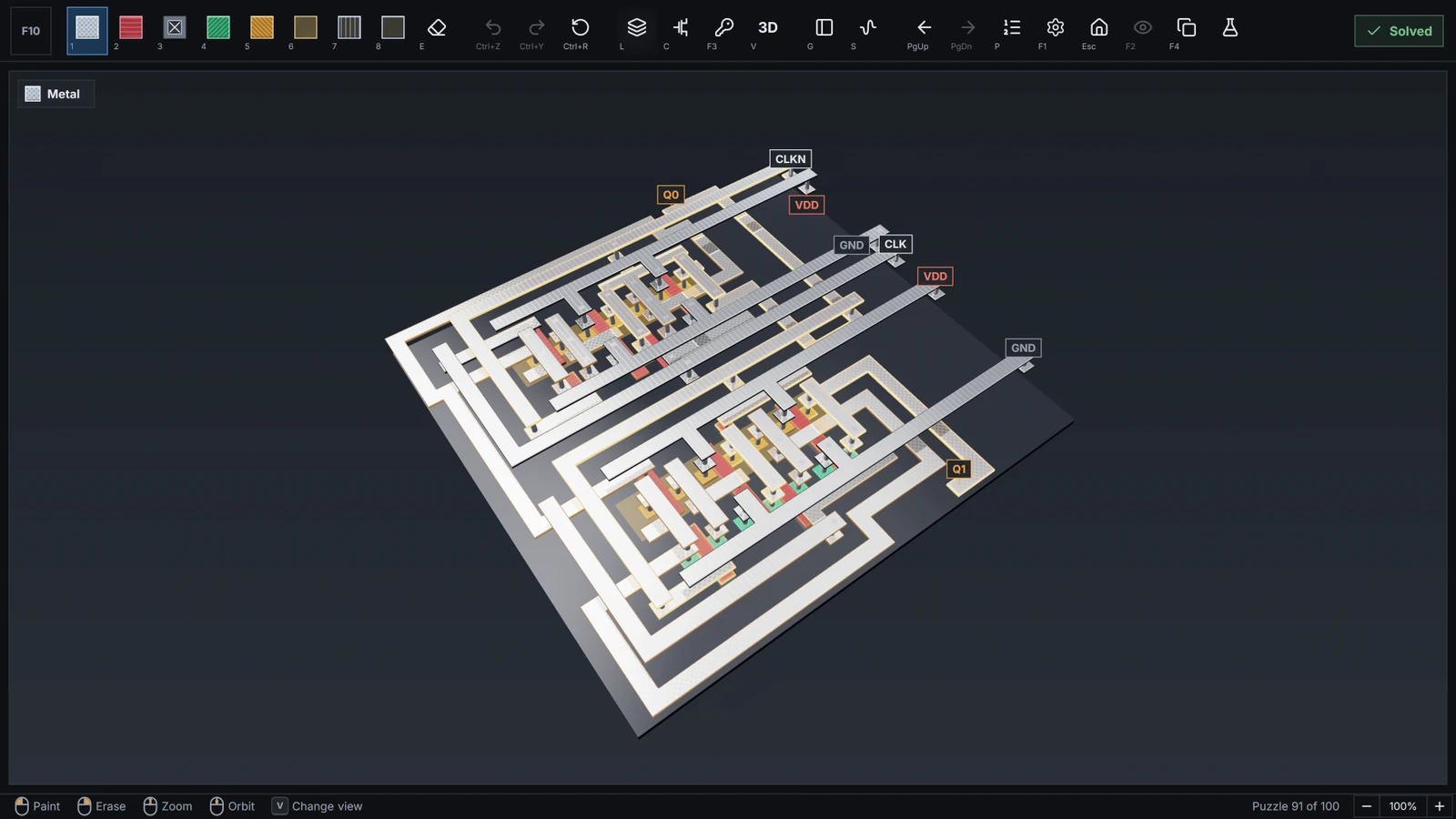 Chip layout, simulation, and an open Sandbox
101 Circuits on Steam
Start with a connection.
Find release information and add 101 Circuits to your wishlist.