
Draw the connections
Place materials on a grid. Use contacts and a second metal layer to connect paths at different heights.
Chip design
Draw metal, polysilicon, and silicon to build working circuits. Follow guided puzzles, inspect the output waveforms, and experiment in an open Sandbox.
Windows · macOS · Linux · iPhone · iPad
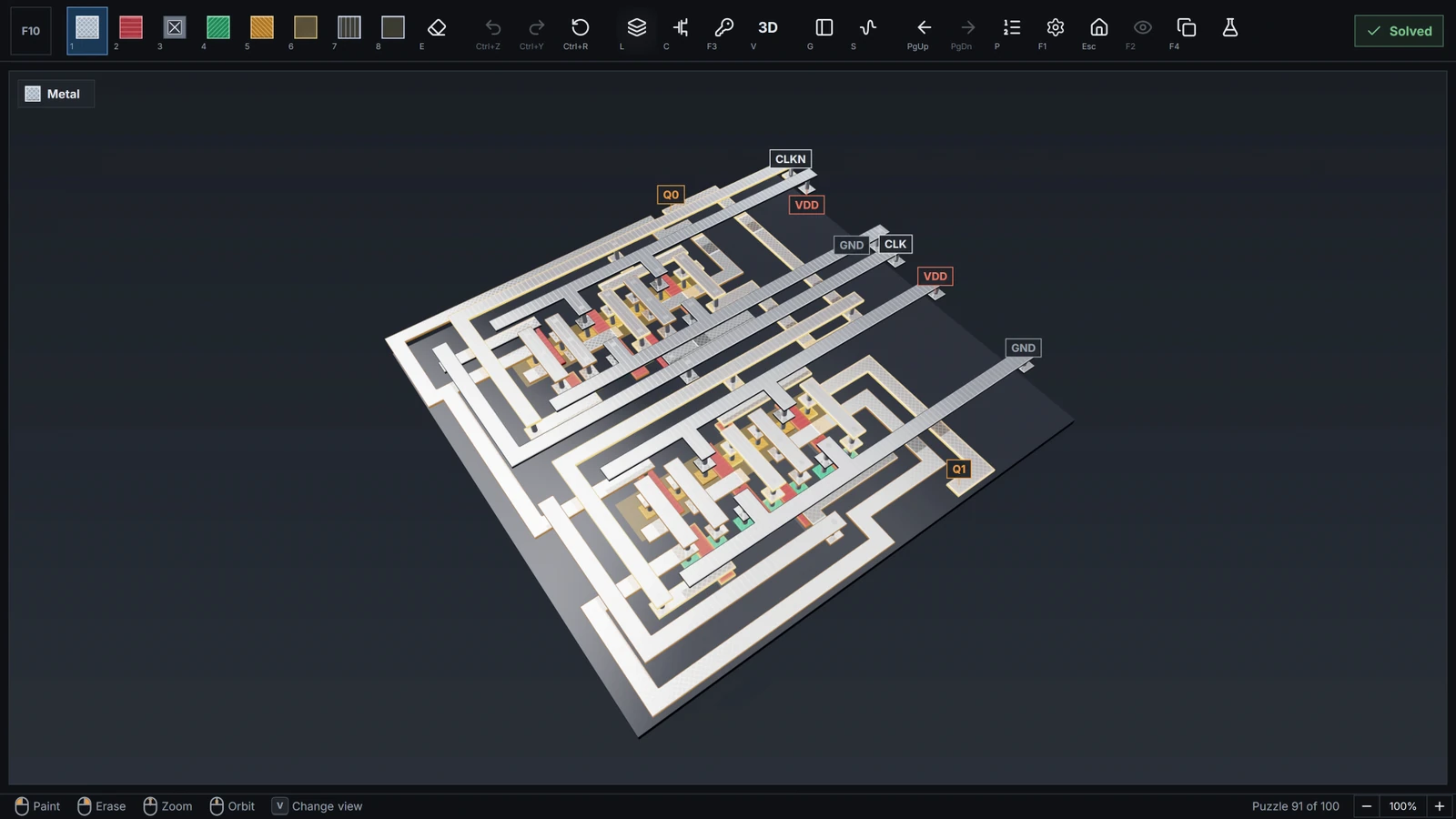
Guided puzzles
Begin by connecting two pads. Learn how layers cross, how a transistor switches, and how small circuits become gates, memory, and arithmetic.
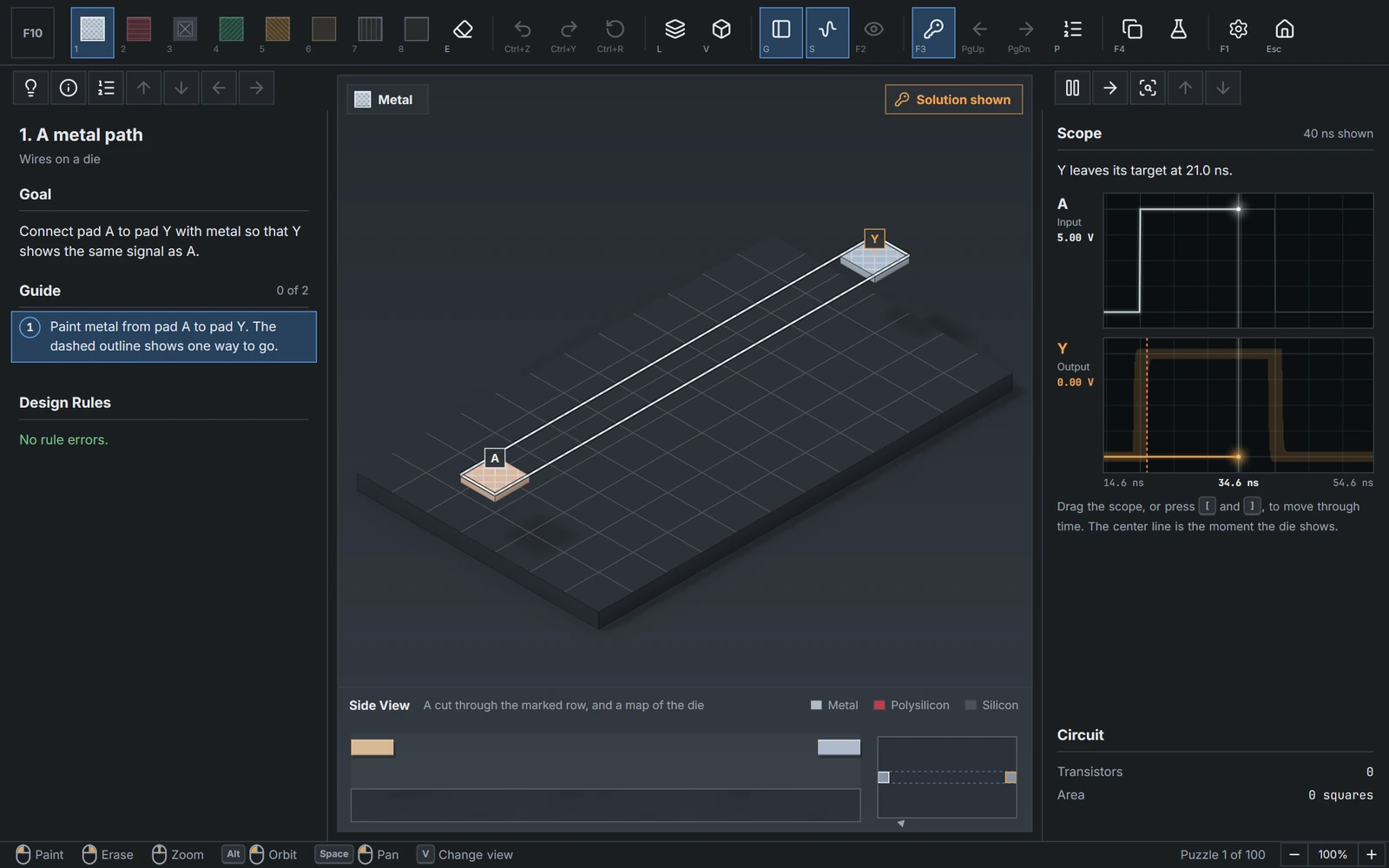
Place materials on a grid. Use contacts and a second metal layer to connect paths at different heights.
Run the circuit and compare its output with the target waveform. Revise the drawing with Undo and Redo.
Read concept cards, follow checked guide steps, and use hints or a reference drawing when you need help.
Sandbox
Start an independent project with every material available. Draw on a canvas that extends in every direction, place input and output pads, and test your design.
Inspect waveforms, add probes, check design rules, and save projects for another session. Copy a puzzle drawing into Sandbox to continue experimenting.
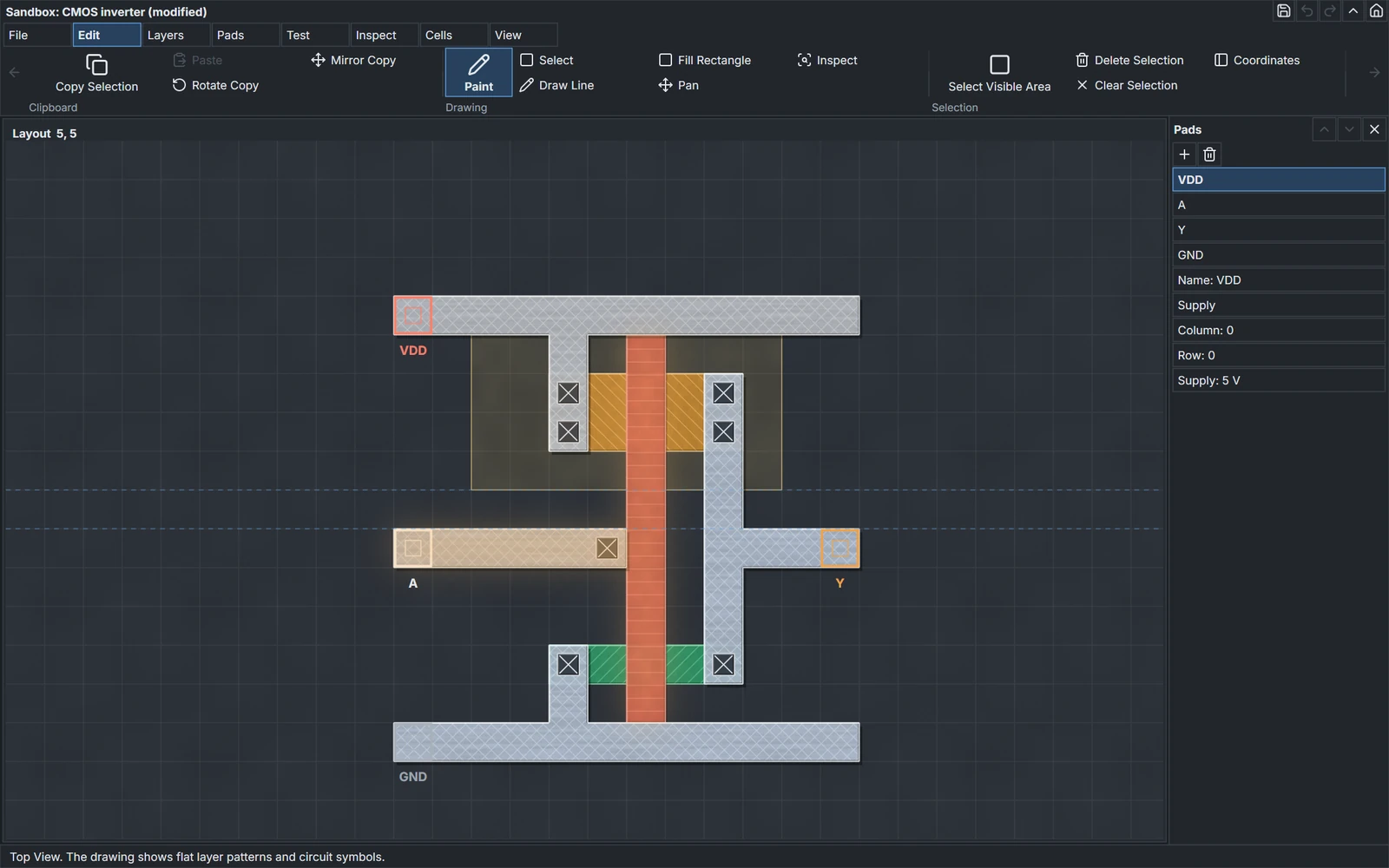
Inspect the design
Switch between Top, Isometric, and Perspective Views. Isolate a material or inspect a cross section to understand how the drawing forms a circuit.
Place materials precisely on the grid and compare the patterns that form each device.
Rotate the camera, separate the layers, and follow connections through the design.
Look beneath the surface and inspect the extracted transistor circuit alongside its measured behavior.
Circuits: VLSI uses a simplified teaching process to explain chip layout and circuit behavior. It does not produce manufacturing files.
Release information
Circuits: VLSI is in development for Windows, macOS, Linux, iPhone, and iPad. Public store links will be added here when they are available.
Contact Chilling Moose Also from Chilling Moose101 CircuitsBuild circuits from electronic components.